
Save and Sync Elements Across All Your Pages
The new Universal Elements feature is here — letting you save, sync, and reuse any element across multiple pages instantly.
Now, when you update a universal section or button, those changes automatically appear on every page that uses it — keeping your designs consistent and your workflow lightning-fast.
What You Can Do
Save any element (button, form, image, or section) as a Universal Element.
Instantly sync changes across all pages using that element.
Clone or duplicate Universal Elements for reuse anywhere.
Manage all saved elements with built-in thumbnails for easy access.

How It Works
Select an element in the Builder.
Click Save Element, then choose Universal or Template.
Open Saved Assets → Elements and drag your saved item onto a page.
Edit the element once — and all linked pages update automatically.
Why This Matters
Keeps your brand look consistent across all pages.
Saves time by eliminating repetitive edits.
Reduces design errors when cloning or copying layouts.
Speeds up site building and future updates.
With Universal Elements, your entire page design workflow becomes cleaner, faster, and fully in sync — so you can spend less time editing and more time building.

Tired of Trying to Piece Together Software to Run Your Business?
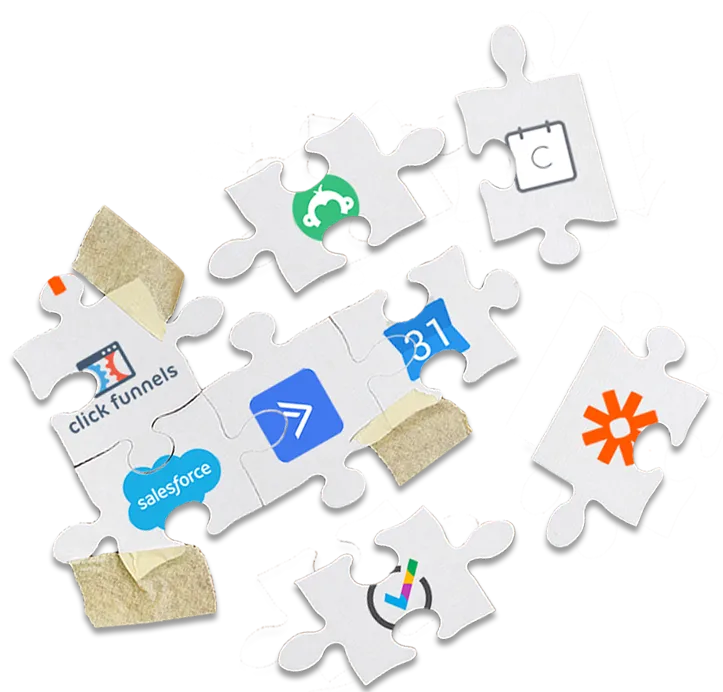
It Really Doesn't
Have to Be So Hard!
1 Program.
1 Login.
And 1 Monthly Payment!
Press Play to learn more about Gold Star Pro!
* Emails are charged at $1/1000
with a $5 Credit for Trial Users
WATCH THIS IF:
You want to harness the power of the internet to reach a bigger audience and get more clients
You feel overwhelmed by the Tech Stuff
You've tried multiple different tech platforms but have no idea how to make them work together
You know you could be achieving so much more in your business if only your systems worked more efficiently
You dream of earning more and working less but don't know how to use tech to make it happen
You want to have a bigger impact on your target niche.
Copyright © Gold Star Pro LLC
GDPR - Privacy Policy - Terms of Use
We use cookies, including third-party cookies, on this website to help operate our site and for analytics and advertising purposes.
For more on how we use cookies and your cookie choices, go here for our cookie policy!