
Form Buttons Just Got a Visual Upgrade
You can now add icons to your form buttons — making them clearer, more modern, and easier for users to recognize at a glance.
This update introduces an intuitive icon picker and flexible placement options, so you can choose the perfect look and feel for every call-to-action.
What’s New
Icon Picker Sidebar: Add icons with a simple toggle and search-friendly interface.
Flexible Placement: Choose whether icons appear to the left or right of the text.
Live Preview: See your selected icon update instantly in the form preview.

How It Works
Add a Button Element to your form.
Toggle Show Icon to enable icon options.
Use the icon picker to find and insert the symbol you want.
Choose the placement — left or right of the label.
View the update instantly in your live form preview.

Why This Matters
Enhances the look and usability of your forms.
Makes CTAs more recognizable and easier to interact with.
Keeps your design visually consistent across forms and pages.
This simple addition adds polish and personality to your forms — turning every button into a more engaging, clickable visual cue.

Tired of Trying to Piece Together Software to Run Your Business?
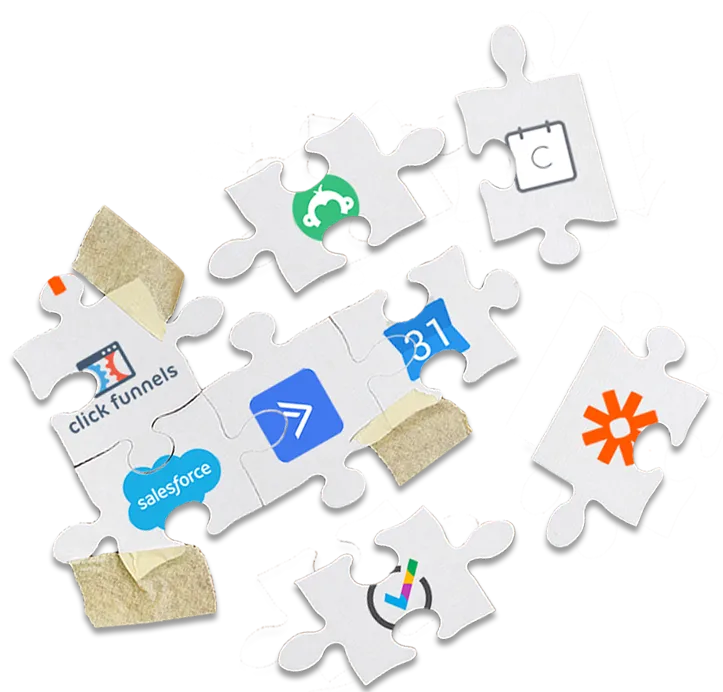
It Really Doesn't
Have to Be So Hard!
1 Program.
1 Login.
And 1 Monthly Payment!
Press Play to learn more about Gold Star Pro!
* Emails are charged at $1/1000
with a $5 Credit for Trial Users
WATCH THIS IF:
You want to harness the power of the internet to reach a bigger audience and get more clients
You feel overwhelmed by the Tech Stuff
You've tried multiple different tech platforms but have no idea how to make them work together
You know you could be achieving so much more in your business if only your systems worked more efficiently
You dream of earning more and working less but don't know how to use tech to make it happen
You want to have a bigger impact on your target niche.
Copyright © Gold Star Pro LLC
GDPR - Privacy Policy - Terms of Use
We use cookies, including third-party cookies, on this website to help operate our site and for analytics and advertising purposes.
For more on how we use cookies and your cookie choices, go here for our cookie policy!